ANALYZE
Understand the weight
Inspect workbook structure, features, media, relationships, and security signals before making changes.

Analyze, optimize, archive, and restore complex Excel workbooks locally—with integrity checks built into every output.
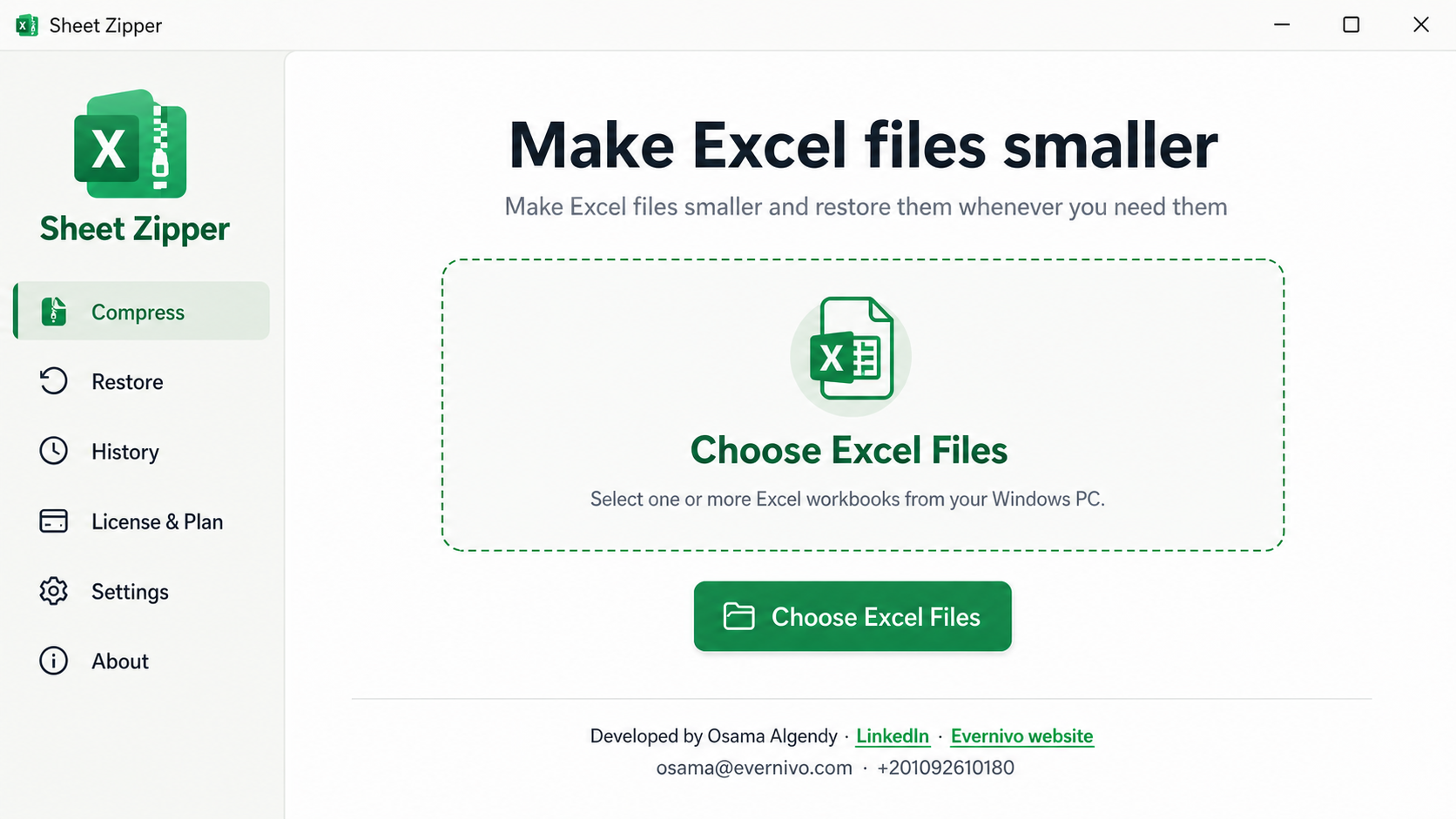
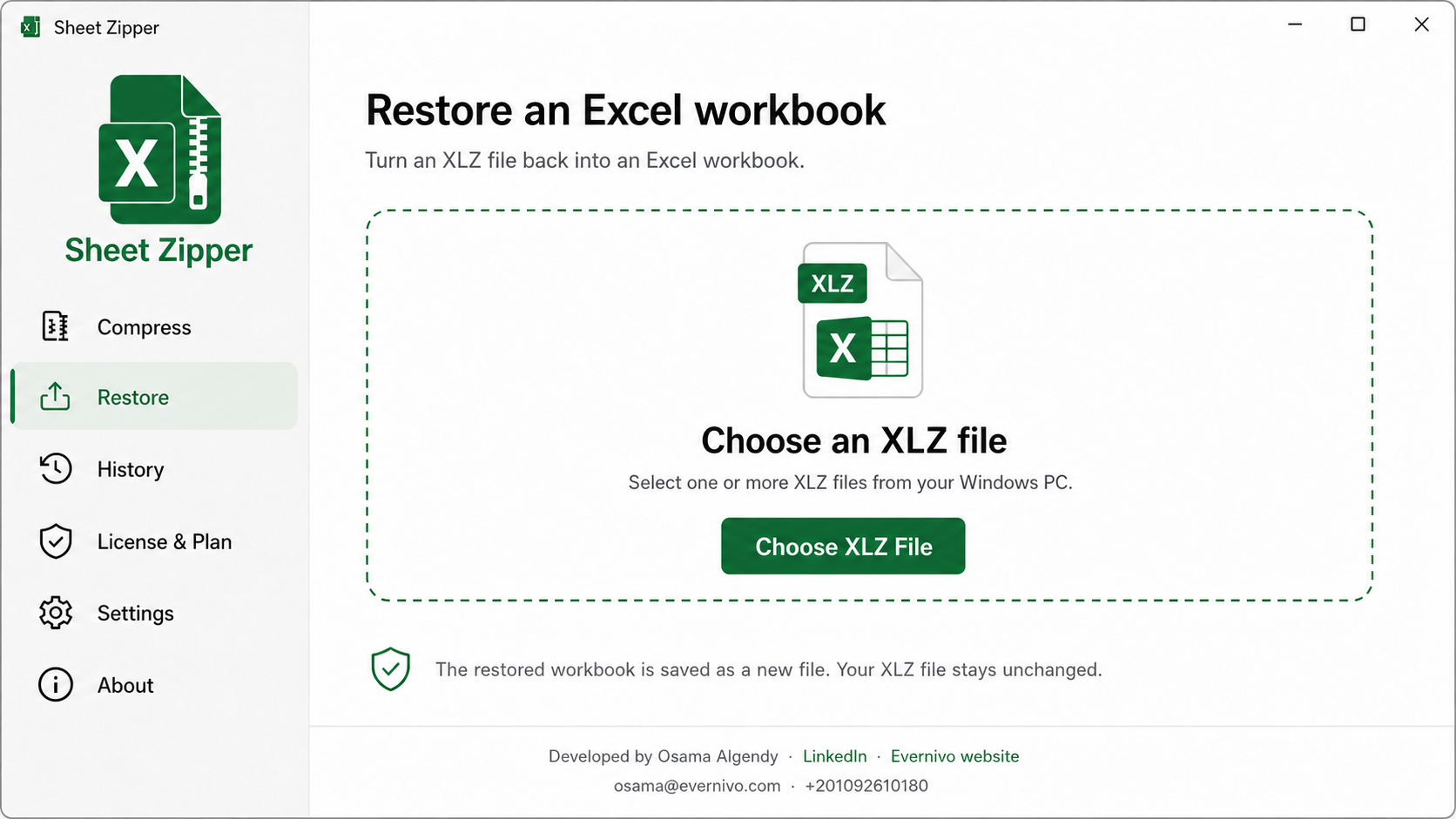
Choose the operation you need. Sheet Zipper preserves the source and publishes a new output only after its checks pass.
Inspect workbook structure, features, media, relationships, and security signals before making changes.
Recompress workbook packages with Balanced or Maximum modes and keep the smaller verified result.
Create a checksummed archive, then reconstruct and re-verify the workbook when it is needed again.
Sheet Zipper reads the paths you choose and runs Analyze, Optimize, Archive, and Restore on your device. Workbook content, filenames, and analysis results are not intentionally sent to Evernivo.
Original files are never overwritten. Temporary work is isolated, interrupted jobs are not silently resumed, and final outputs appear only after validation.
Read the full privacy statement →Get Sheet Zipper from Microsoft Store for a trusted installation and automatic updates. The app processes your workbooks locally on your computer.
Get it from Microsoft Store